As technology continues to evolve, understanding the key concepts of web interactions has never been more important. Google recently introduced "Google-Agent," an advanced tool separate from traditional web crawlers like Googlebot. Designed for user-triggered actions, this new system operates as a real-time fetcher, breaking the conventional rules of web crawling. This shift introduces fresh challenges and opportunities for developers who manage websites. From navigating robots.txt exceptions to observing new protocols for security, Google-Agent represents a significant departure in how web requests are handled in real-time. Below, we explore its unique technical details, the key differences from older systems, and why every developer should take note.
Transforming Search: Introducing Google-Agent
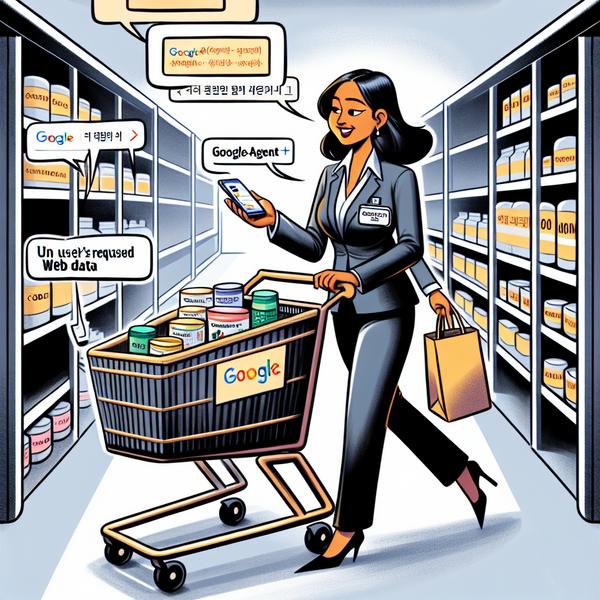
- Google-Agent is a new entity introduced by Google, designed to handle user-triggered web requests. While older methods like Googlebot are automated crawlers, Google-Agent works in a responsive manner by fetching content only when a user requests it. Think of it like a personal shopper at a supermarket—fetching specific items just for you, instead of scanning the entire store.
- For example, imagine searching for a specific fact in Google’s AI system. Instead of combing through vast web content, Google-Agent retrieves the exact link you're interested in. This enhances speed and responsiveness but also demands a shift in how developers understand real-time fetch mechanisms.
- One common misconception is that Google-Agent discovers and indexes new pages. However, it doesn’t. Unlike traditional crawlers, it limits its operations solely to the user’s requests, making it reactive instead of exploratory.
Fetchers vs. Crawlers Explained Simply
- The distinction between fetchers like Google-Agent and crawlers like Googlebot boils down to their core functionality. Crawlers are analogous to busy bees collecting pollen from every flower in a garden (entire websites). On the other hand, fetchers act like personal delivery services, bringing only the flower you asked for.
- Autonomous crawlers such as Googlebot index websites continuously. These collect tons of data via algorithms designed to map the web. Conversely, Google-Agent fetches URLs as requested by users, skipping the endless scanning of interconnected links.
- A practical scenario might involve AI-driven tools. Let’s say you interact with an application that pulls real-time restaurant data. Instead of relying on pre-indexed content, the app uses Google-Agent to source the latest menus or promotions directly in that moment.
- This represents a shift in approach, encouraging precision rather than broad net coverage.
The Robots.txt Exception: Breaking the Rules
- One of the most talked-about aspects of Google-Agent is its behavior concerning robots.txt, the common file used to signal what bots can or cannot access. While traditional crawlers strictly adhere to robots.txt rules, Google-Agent isn’t bound by these restrictions. This exception has sparked significant debate among webmasters.
- Picture this: You block an autonomous crawler from indexing a specific page related to proprietary research. However, with Google-Agent acting as a proxy for a single user, it can bypass this block since the request comes with a user’s intent in real-time.
- The reasoning behind this behavior is its real-time, human-proxy nature. This makes it more akin to a browser accessing data on behalf of a user rather than a mass-collection bot acting independently.
- For businesses with sensitive or proprietary information, adjusting access permissions beyond robots.txt files—such as through authentication layers—becomes a critical requirement.
How Developers Can Identify Google-Agent Traffic
- Properly identifying Google-Agent requires understanding its unique User-Agent string. Developers can leverage browser-like identifications such as "Mozilla/5.0 (Linux; Android 6.0.1; Nexus 5X Build/MMB29P)" combined with the keyword "Google-Agent."
- Imagine a scenario where security software mistakenly flags Google-Agent activity as suspicious, categorizing it alongside scraping bots. To avoid this mismatch, Google recommends using its published JSON IP ranges for verification.
- Big companies managing a surge in daily traffic might notice increased activity during user-triggered fetch events. By configuring observability tools, these spikes can be balanced without overloading website servers.
- For troubleshooting, a simple step might involve isolating specific logs tied to Google-Agent traffic patterns and testing if they correspond with legitimate workflows initiated by real users.
Implications for Website Performance and Scaling
- Real-time usage by Google-Agent has direct implications for infrastructure scaling. Because this agent acts upon user prompts rather than scheduled intervals, its activities may create unexpected traffic bursts.
- Take, for example, an e-commerce sale going viral. Suddenly, multiple users triggering the agent could lead to numerous parallel fetches, potentially stressing the website's responsiveness if unprepared.
- Web teams should explore load-balancing strategies. For instance, caching frequently fetched resources can help reduce unnecessary requests during peak times, optimizing response times.
- Finally, modern web design philosophies, such as minimizing content load sizes or optimizing server-side responses, can ensure a smoother experience even under high activity from AI-driven traffic sources like Google-Agent.
